Screen Action
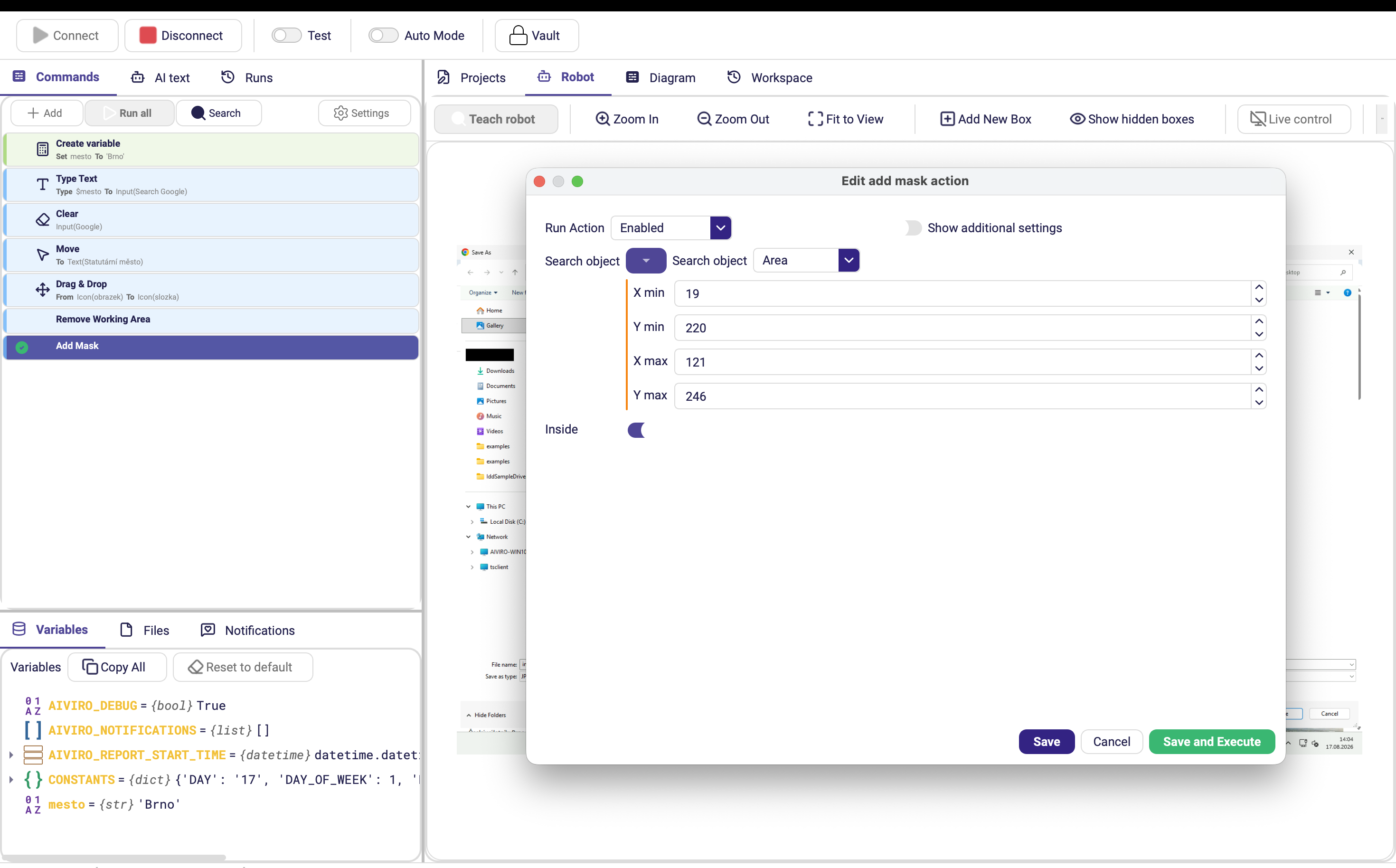
Add Mask
Darkens the surrounding area so the robot focuses on a specific element.
| Parameter | Description |
|---|---|
| Search object | Element used as a reference when defining the mask area (optional). |
| Inside | When ON, the mask covers only the inside of the selected element; when OFF, the outside area. |
Clear Masks
Removes all masks.
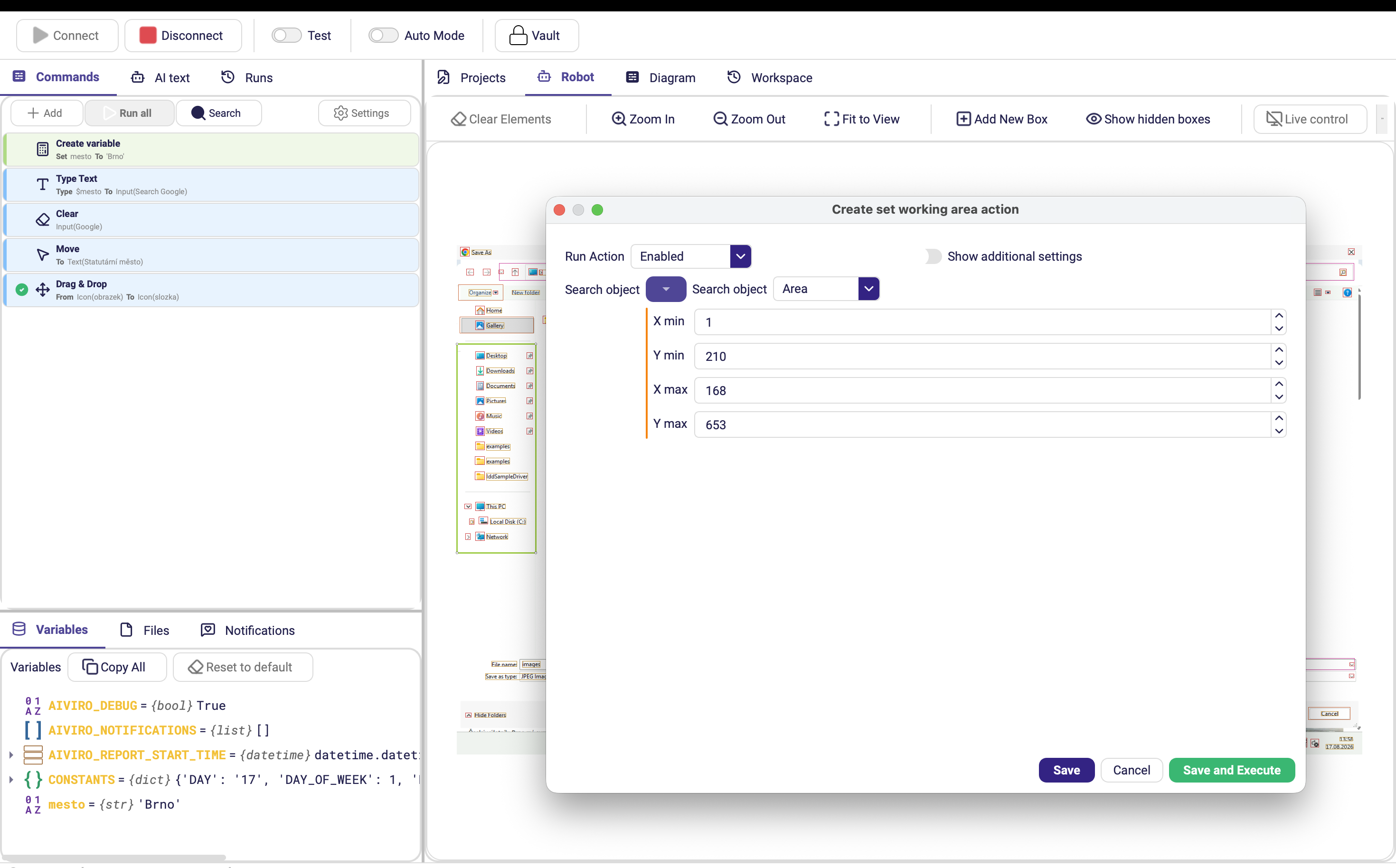
Set Working Area
Defines a new screen region where the robot will search for elements.
| Parameter | Description |
|---|---|
| Search object | Element that defines the region for subsequent image searches (Text, Image, OCR, etc.). |
Reset Working Area
Resets the search area to the entire screen.