Email Actions
The Email group reads, sends and files e-mail. It was rebuilt from scratch since 0.14.2.
There is no Create Client action any more. Every action in this group takes an Email Account entry from the Secure Vault instead of receiving a client object built inside the scenario.
The old actions still appear in saved scenarios as Create Client (deprecated), Read Emails (deprecated), Send Email (deprecated), Move Email (deprecated) and Delete Email (deprecated). They keep working, but they are no longer offered in the actions menu. Rebuild those steps with the actions below.
Before you start
Create an Email Account entry in the Vault — see Email Account entries. An entry can hold an IMAP half, an SMTP half, or both:
| Action | Needs |
|---|---|
| Read Emails, Move Email, Copy Email, Delete Email, Mark Email Seen / Unseen | IMAP |
| Send Email, Forward Email | SMTP |
Every action then has an Email Account parameter where you pick the Vault entry by its key.
Read Emails
Fetches messages and exposes them as a list you can loop over.
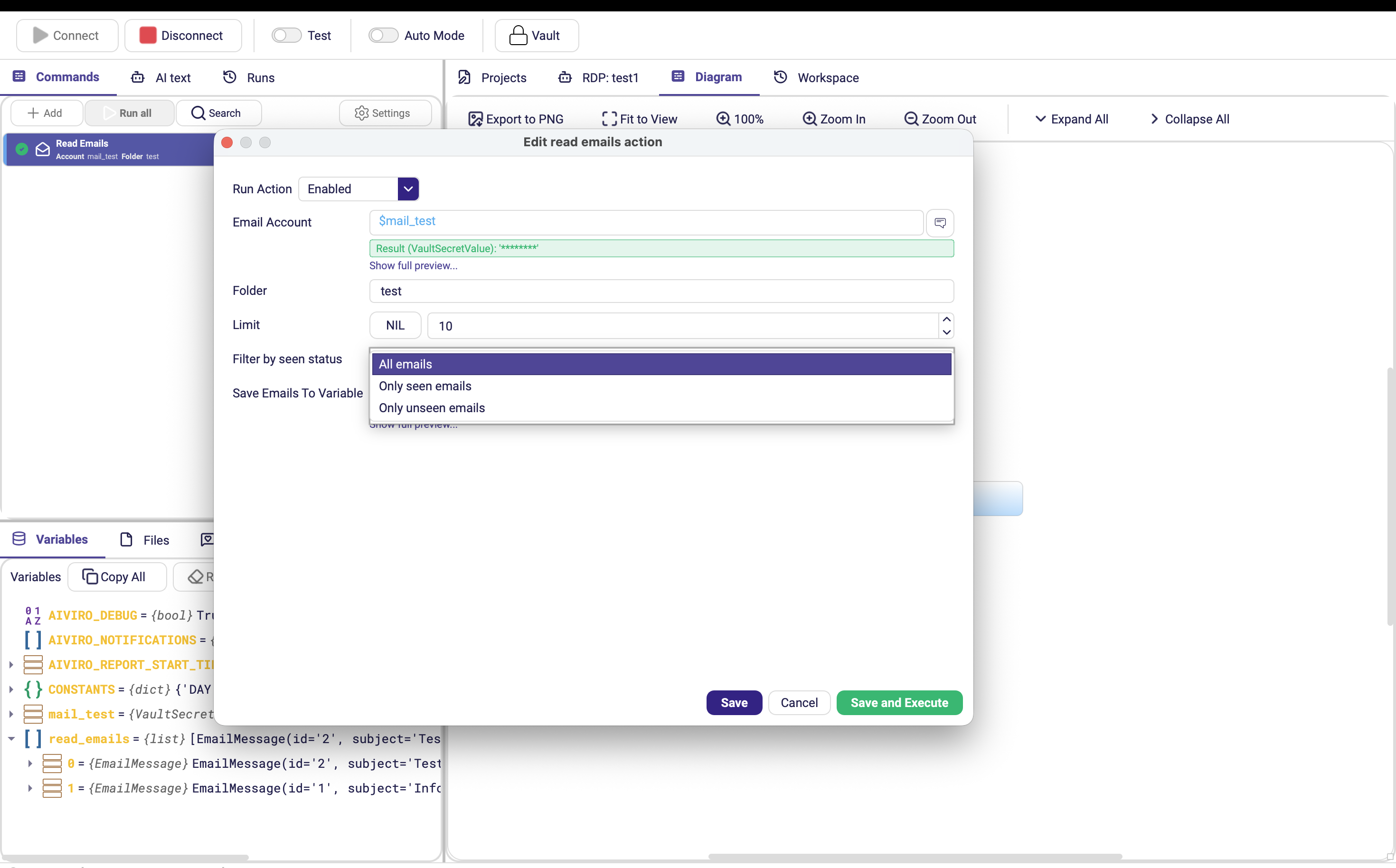
| Parameter | Description |
|---|---|
| Email Account | Vault entry with an IMAP half. |
| Folder | Mailbox folder to read. Default INBOX. |
| Limit | Maximum number of messages to fetch. Default 10. Optional. |
| Filter by seen status | unset (default) fetches regardless of read state, seen only already-read messages, unseen only unread ones. |
| Save Emails To Variable | Variable that receives the list. Default emails. |
Combine Filter by seen status: unseen with Mark Email Seen / Unseen at the end of the loop body. The scenario then processes each message exactly once, even if it runs every five minutes.
Send Email
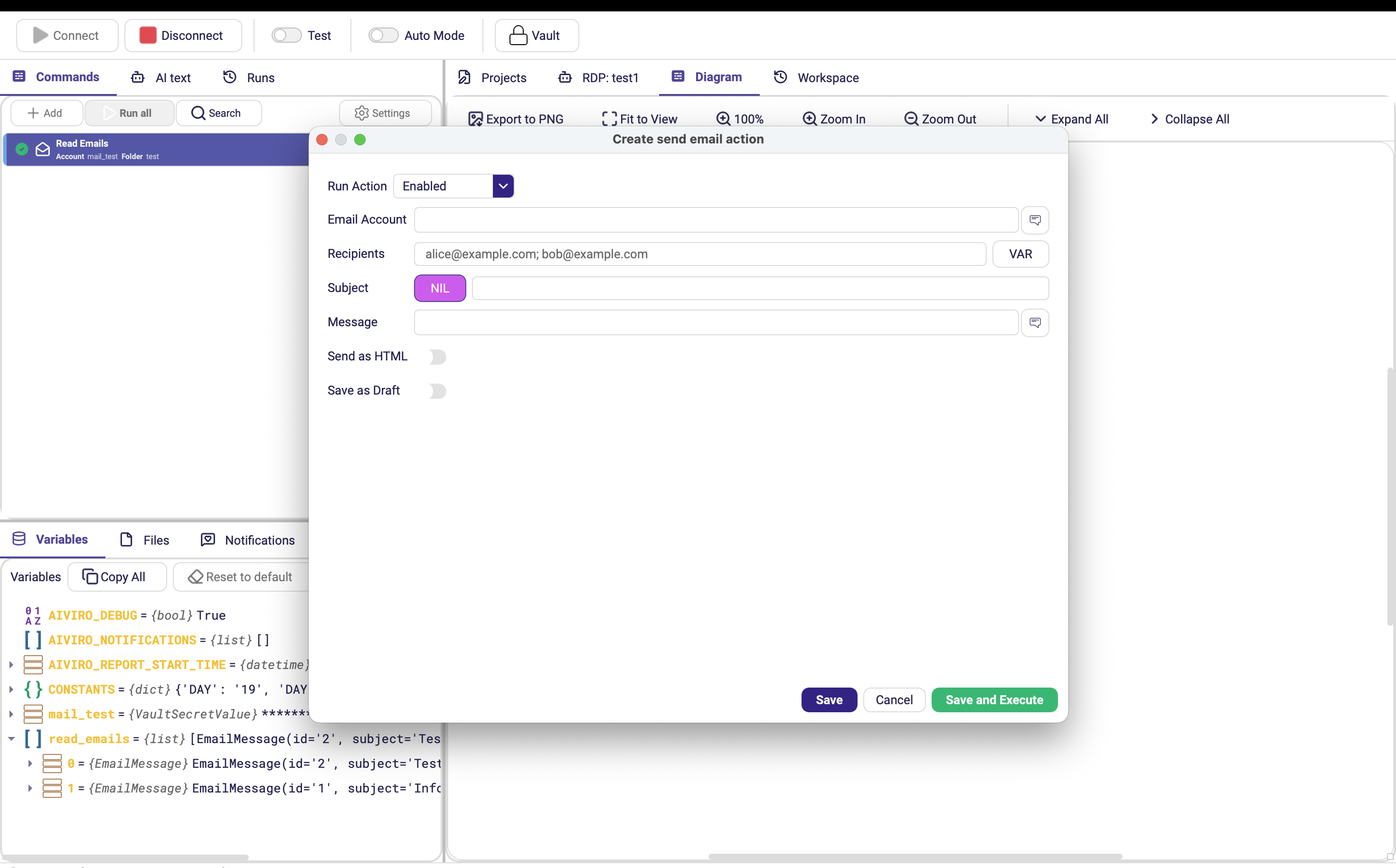
| Parameter | Description |
|---|---|
| Email Account | Vault entry with an SMTP half. |
| Recipients | Addresses separated by semicolons. |
| Subject | Message subject. Optional. |
| Message | Body text. Accepts variables. |
| Send as HTML | Sends the body as HTML instead of plain text. Default off. |
| Save as Draft | Composes the message — recipients, subject, body, attachments — and saves it into the mailbox's Drafts folder instead of sending it. Default off. |
| Drafts Folder | Appears only when Save as Draft is on. Name of the drafts folder, for servers that call it something else than Drafts (e.g. INBOX.Drafts). |
Letting a person review the message first
Save as Draft is for anything that needs a human eye before it leaves the company — invoices, customer replies, anything with a number in it. The robot writes the message, a person opens their mail client, checks or edits it, and hits Send themselves.
Saving a draft writes into the mailbox, so it needs IMAP — not just SMTP. An account using Basic (SMTP) authentication must also have its Receiving (IMAP) section filled in on the Vault entry, or Save as Draft fails. See Email Account entries.
Forward Email
Forwards a message from a Read Emails result to other recipients.
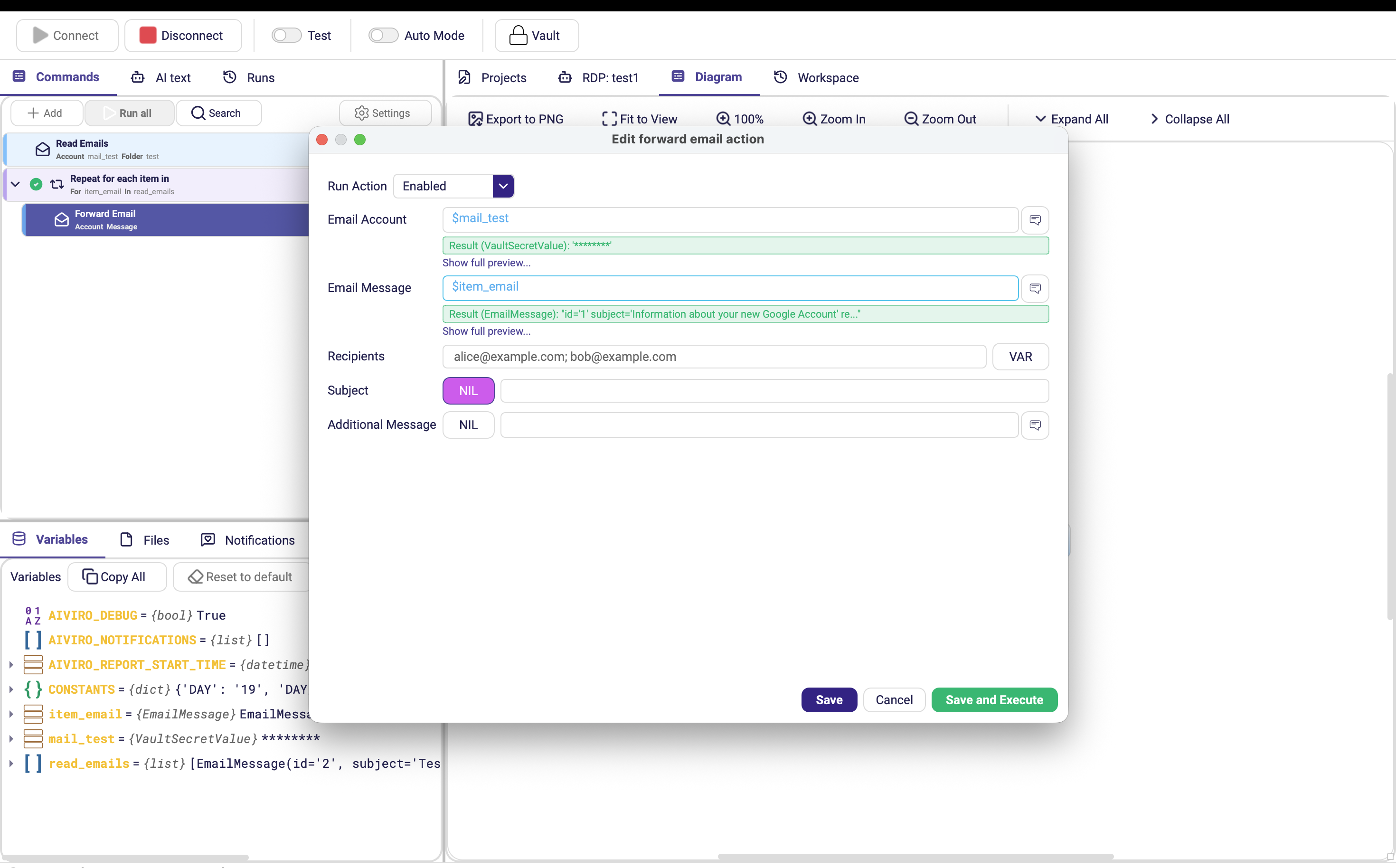
| Parameter | Description |
|---|---|
| Email Account | Vault entry with an SMTP half. |
| Email Message | The message to forward — normally the current item of a loop over Read Emails. |
| Recipients | Addresses separated by semicolons. |
| Subject | Overrides the forwarded subject. Optional. |
| Additional Message | Text prepended above the forwarded content. Optional. |
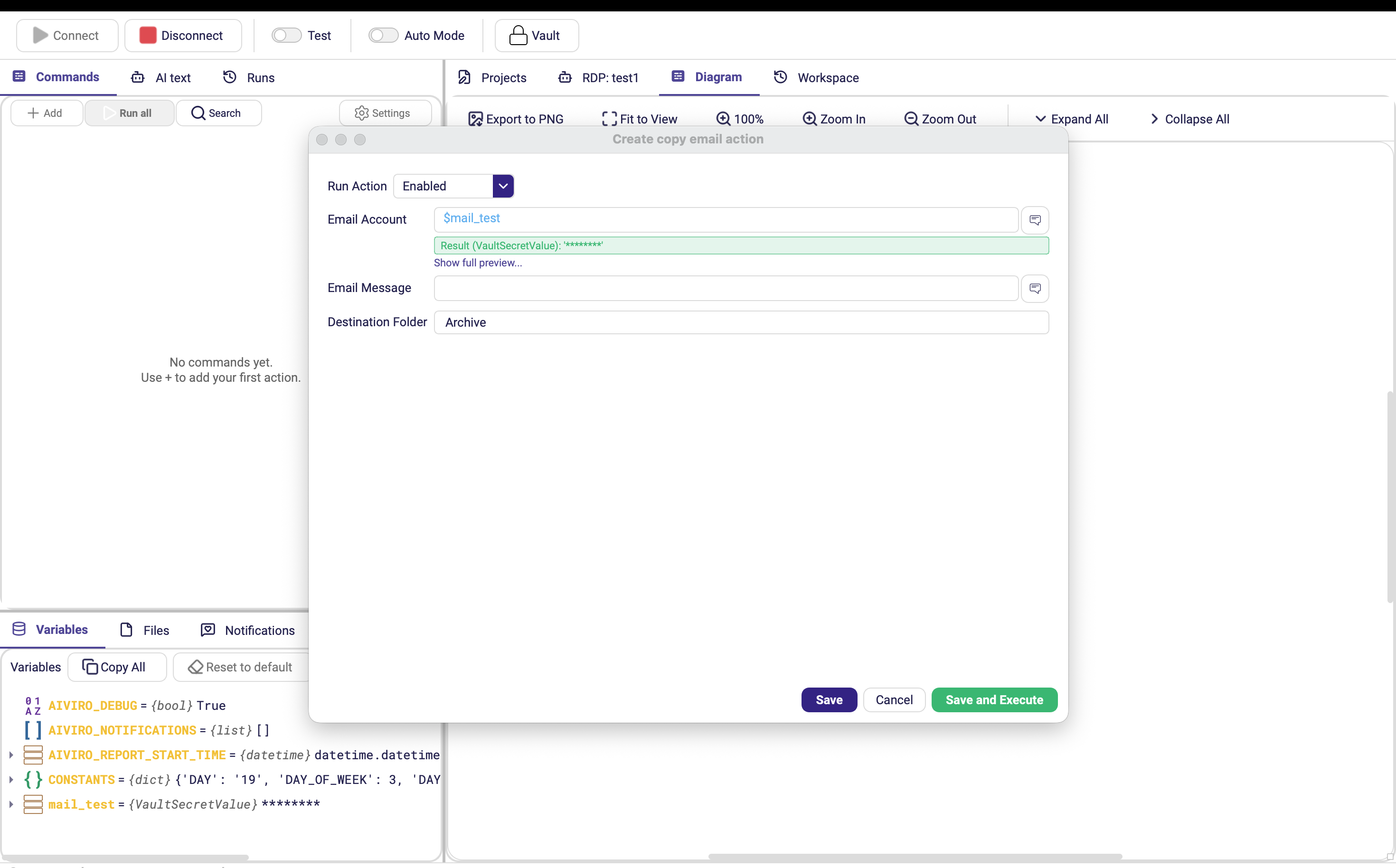
Move Email / Copy Email
Files a message into another folder. Move removes it from the source folder; Copy leaves it in place.
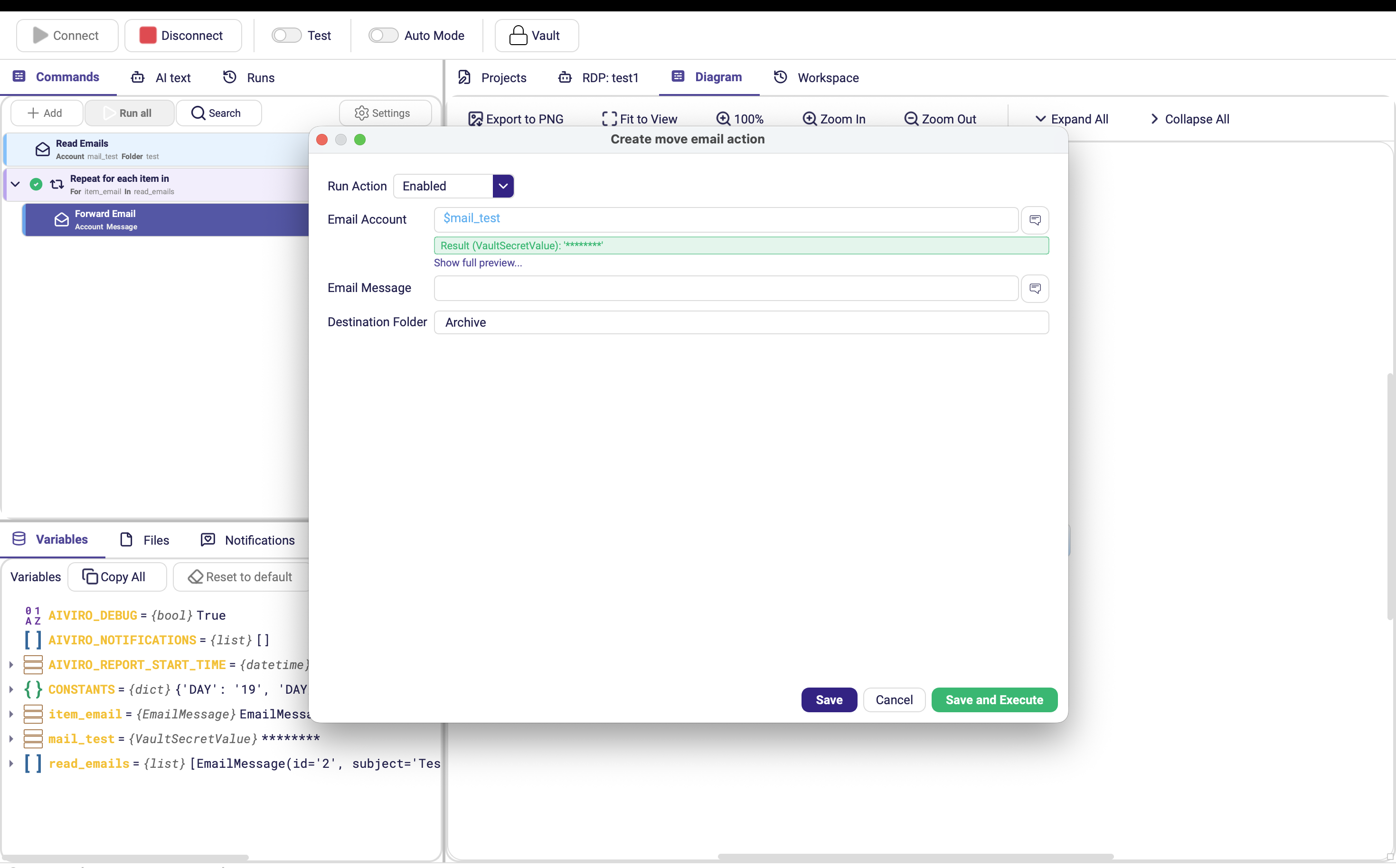
| Parameter | Description |
|---|---|
| Email Account | Vault entry with an IMAP half. |
| Email Message | The message to file. |
| Destination Folder | Target folder. Default Archive. |
Delete Email
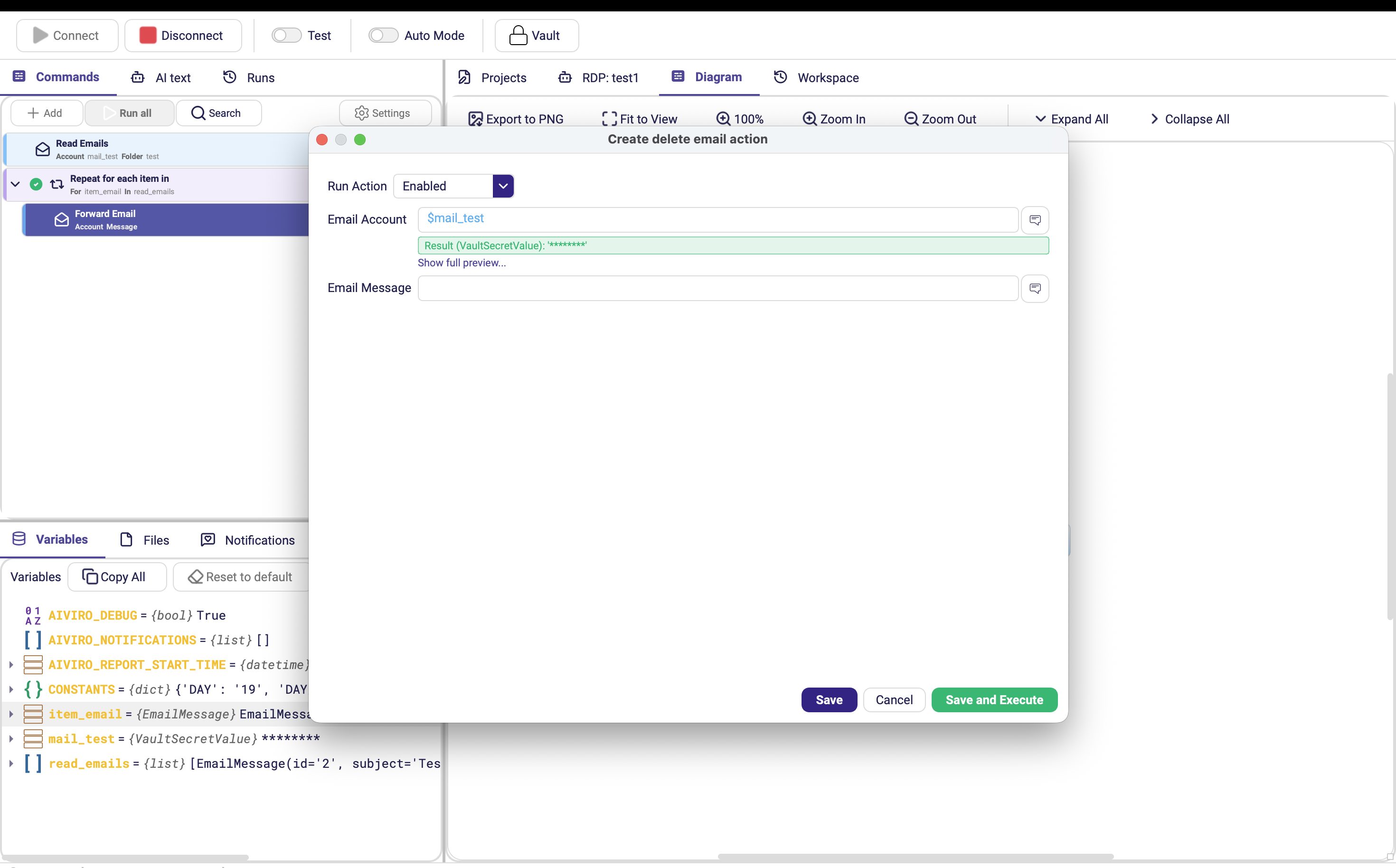
| Parameter | Description |
|---|---|
| Email Account | Vault entry with an IMAP half. |
| Email Message | The message to delete. |
Whether this moves the message to Trash or removes it permanently depends on the mail server. Prefer Move Email into an archive folder when the message might be needed again.
Mark Email Seen / Unseen
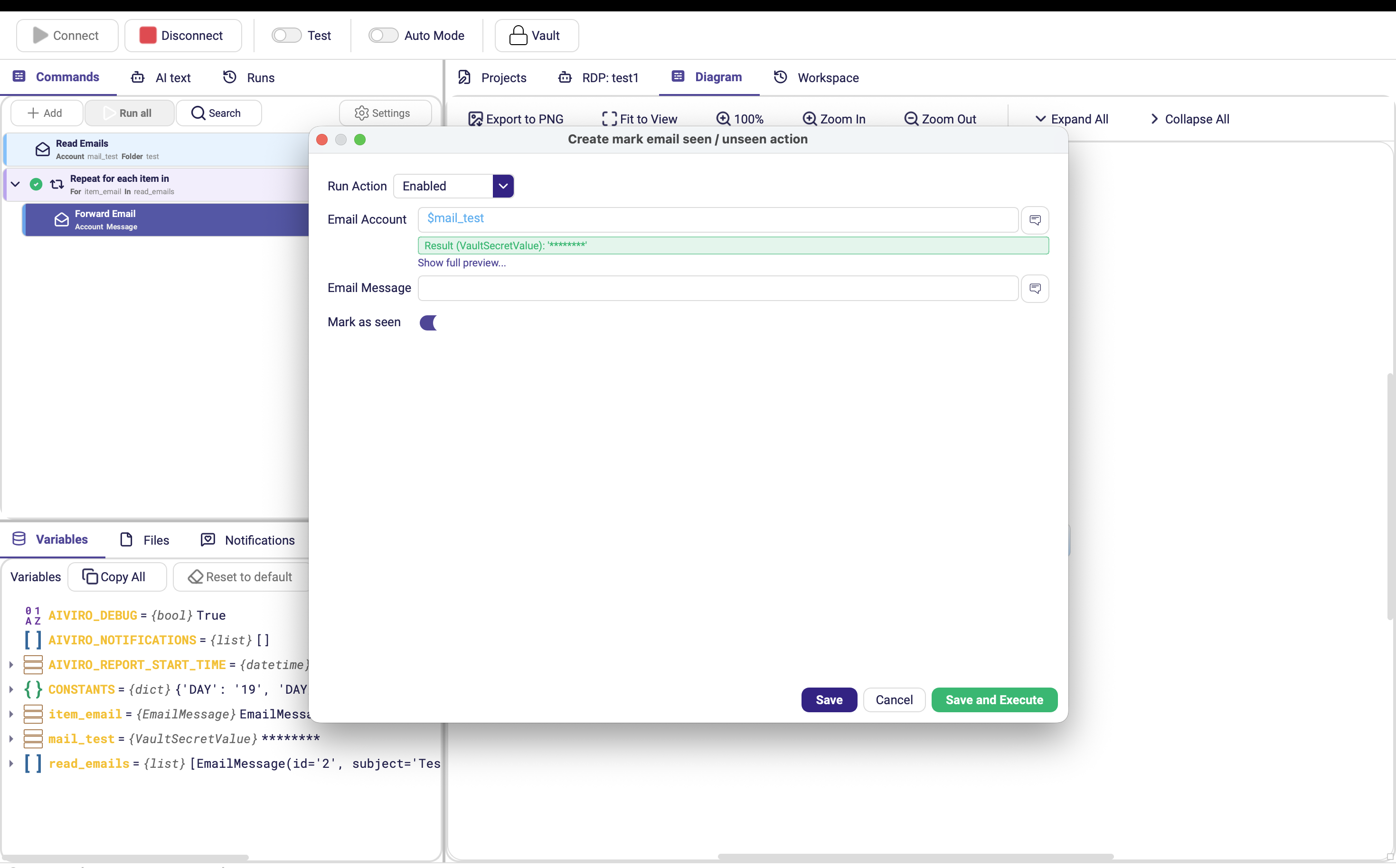
| Parameter | Description |
|---|---|
| Email Account | Vault entry with an IMAP half. |
| Email Message | The message to flag. |
| Mark as seen | On (default) marks it read; off marks it unread. |
Typical mailbox-processing scenario
| Step | Action | Notes |
|---|---|---|
| 1 | Read Emails | INBOX, Filter by seen status: unseen, into emails |
| 2 | Condition | Exit early if emails is empty |
| 3 | Repeat for each item in | over emails, current item email |
| 4 | … processing … | inside the loop — save attachments, read data, enter it into the target system |
| 5 | Mark Email Seen / Unseen | inside the loop, so the message is not picked up again |
| 6 | Move Email | inside the loop, into Processed |
| 7 | Send As Email | after the loop — the run report, see Notification |