Wait Actions
Actions in the Wait group of the actions menu. Waits are what make a scenario stable: instead of guessing how long an application needs, you wait for the screen to prove it is ready.
Wait For and Wait Until Disappear used to sit in the Input Actions group. They now have their own Wait group.
Wait For
Waits until the specified element appears on screen. Pinned action.
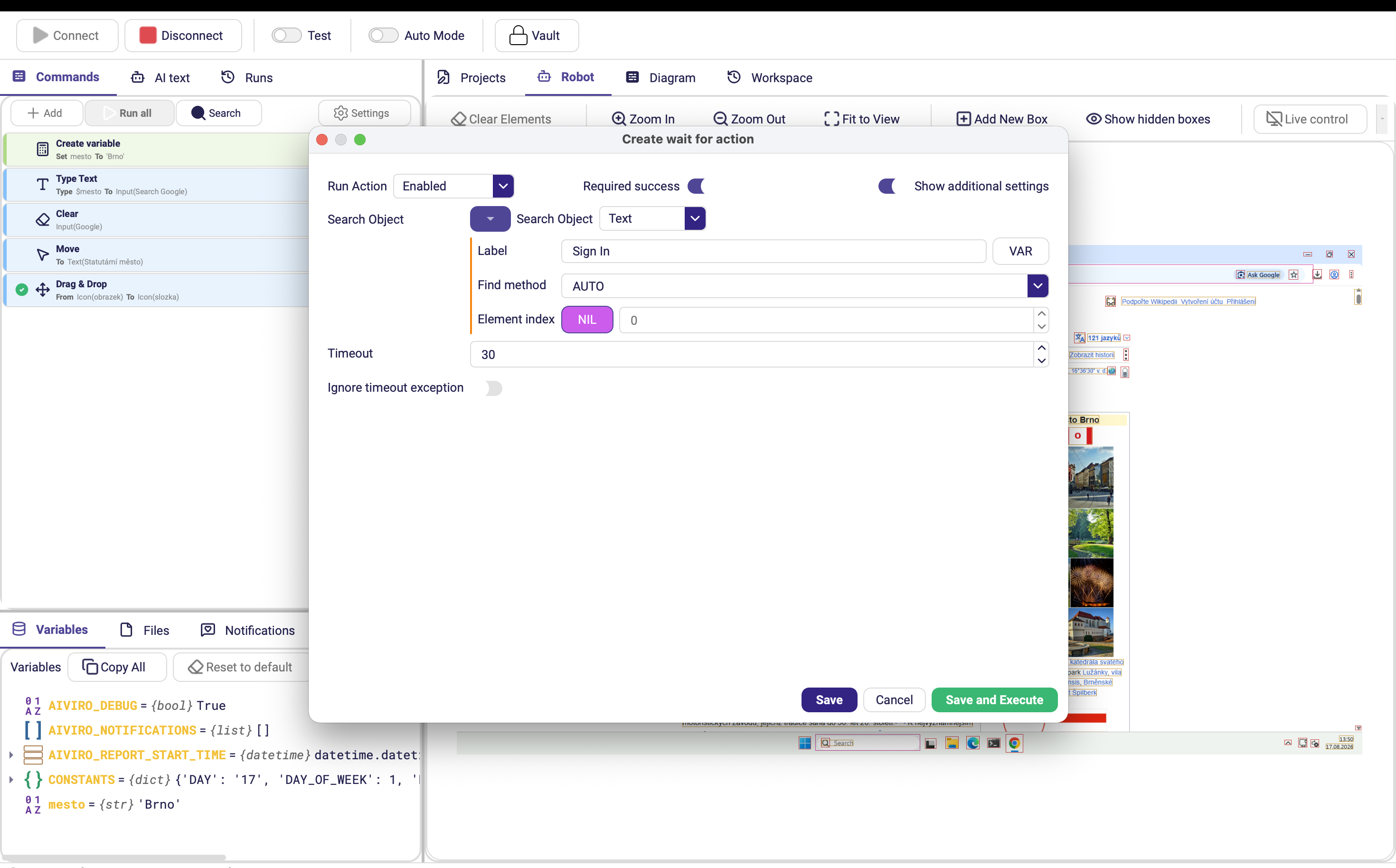
| Parameter | Description |
|---|---|
| Search object | Element to wait for. Leave empty to wait for pending UI activity to settle. |
| Timeout | Maximum time to wait, in seconds. Default 30. |
| Required success | Stop the scenario if the element does not appear in time. |
| Ignore timeout exception | When on, a timeout is logged but does not raise an error, so the scenario continues. Default off. (Advanced options) |
Wait Until Disappear
Waits until the specified element is no longer on screen — a progress dialog, a spinner, a "please wait" overlay, or the window of an application you just closed.
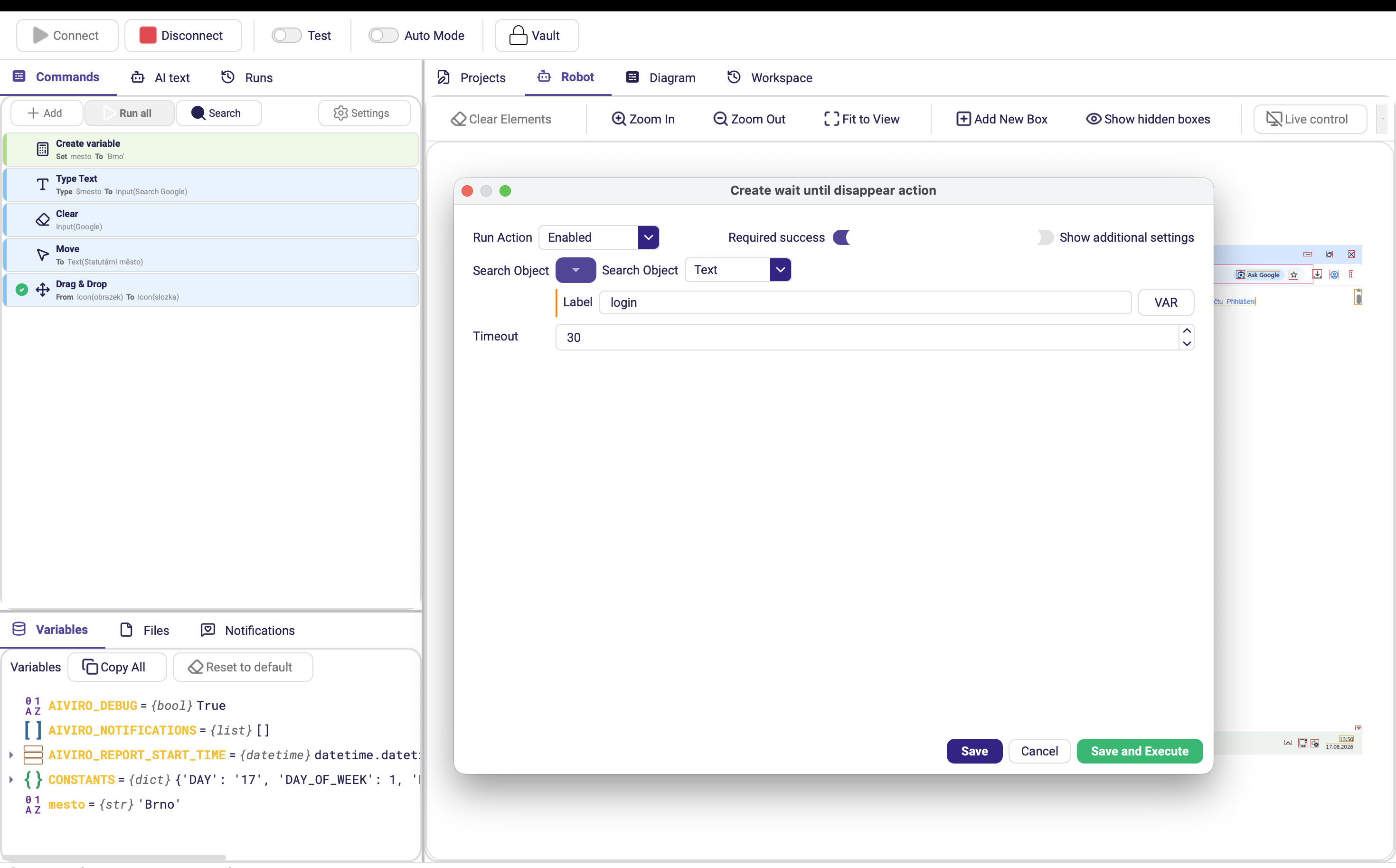
| Parameter | Description |
|---|---|
| Search object | Element that must disappear. |
| Timeout | Maximum time to wait, in seconds. Default 30. |
| Required success | Stop the scenario if the element is still there when the timeout expires. |
| Ignore timeout exception | Log the timeout instead of raising an error. (Advanced options) |
Choosing the right wait
| Situation | Use |
|---|---|
| The next screen has a distinctive label | Wait For on that label |
| A progress dialog must finish | Wait Until Disappear on the dialog |
| An application must fully exit | Wait Until Disappear on its window title |
| You need a plain, fixed pause | Sleep (Flow Control) |
Reach for Sleep last. A fixed pause is either too short on a slow day — which breaks the run — or too long on a fast one, which wastes time on every single execution. A Wait For on something the screen actually shows is both faster and more reliable.
Required success off plus Ignore timeout exception on turns a wait into "give this element a chance to appear, but carry on without it" — the clean way to handle dialogs that only sometimes show up.